How to Filter and Delete Products
When you have thousands of products available in the FlyCommerce, to find some particular products, you need the filtering option.
In order to use the filter option, go to navigate to Products→ All Products and click on the Filter button.
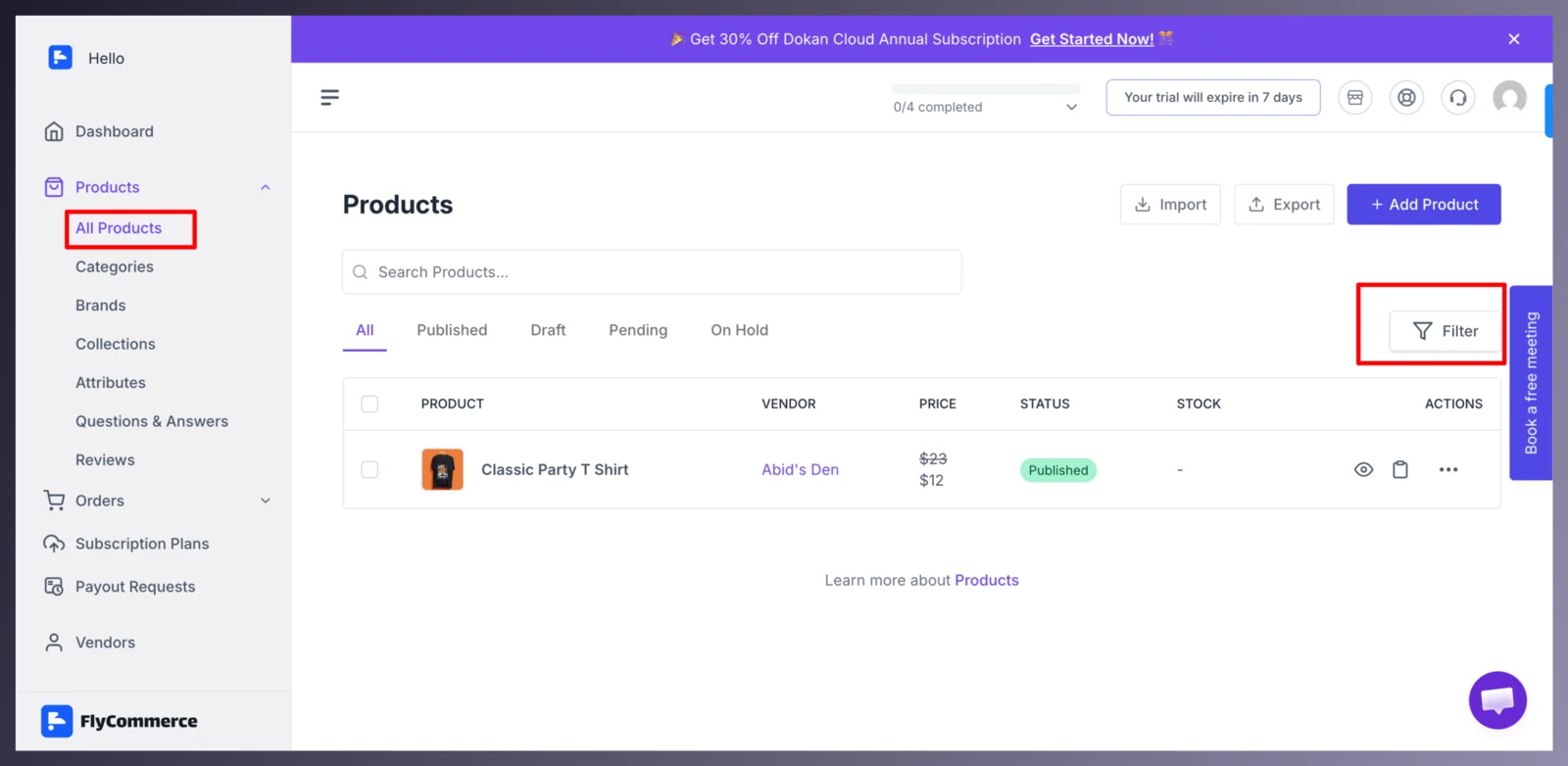
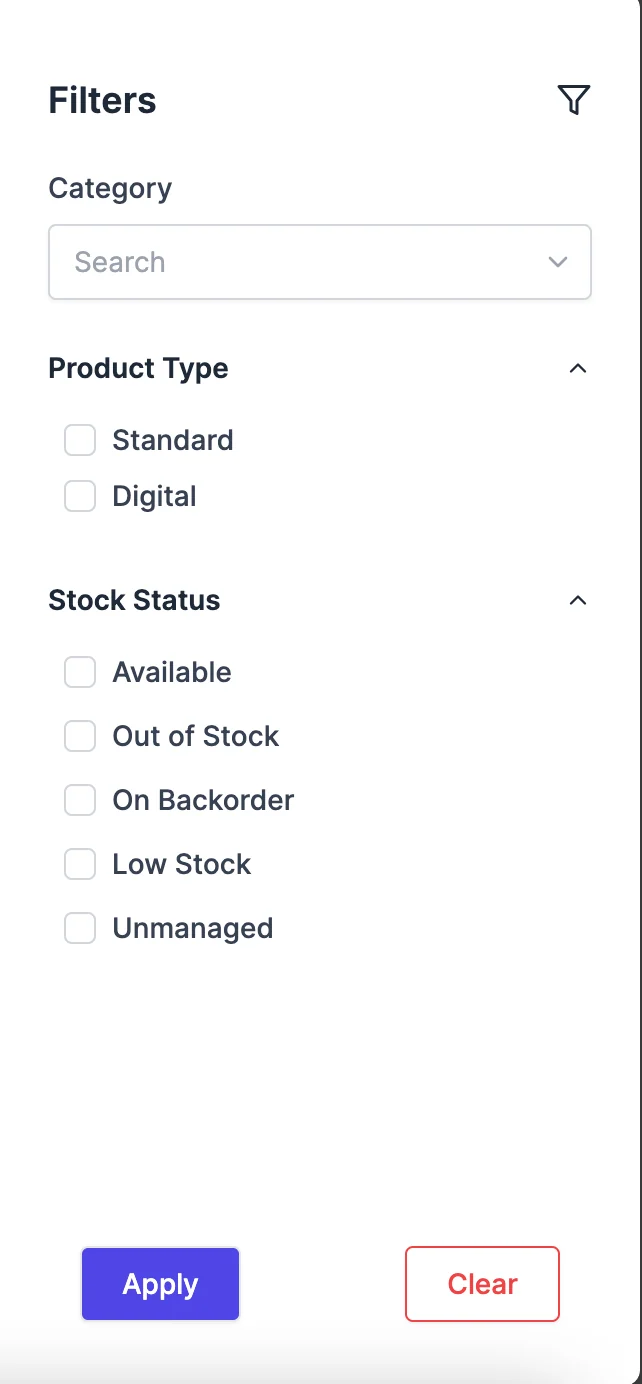
Then you will get a side window where you need to apply the conditions to find the product you are looking for. You will get filter options like-
- Product category
- Product type
- Stock status
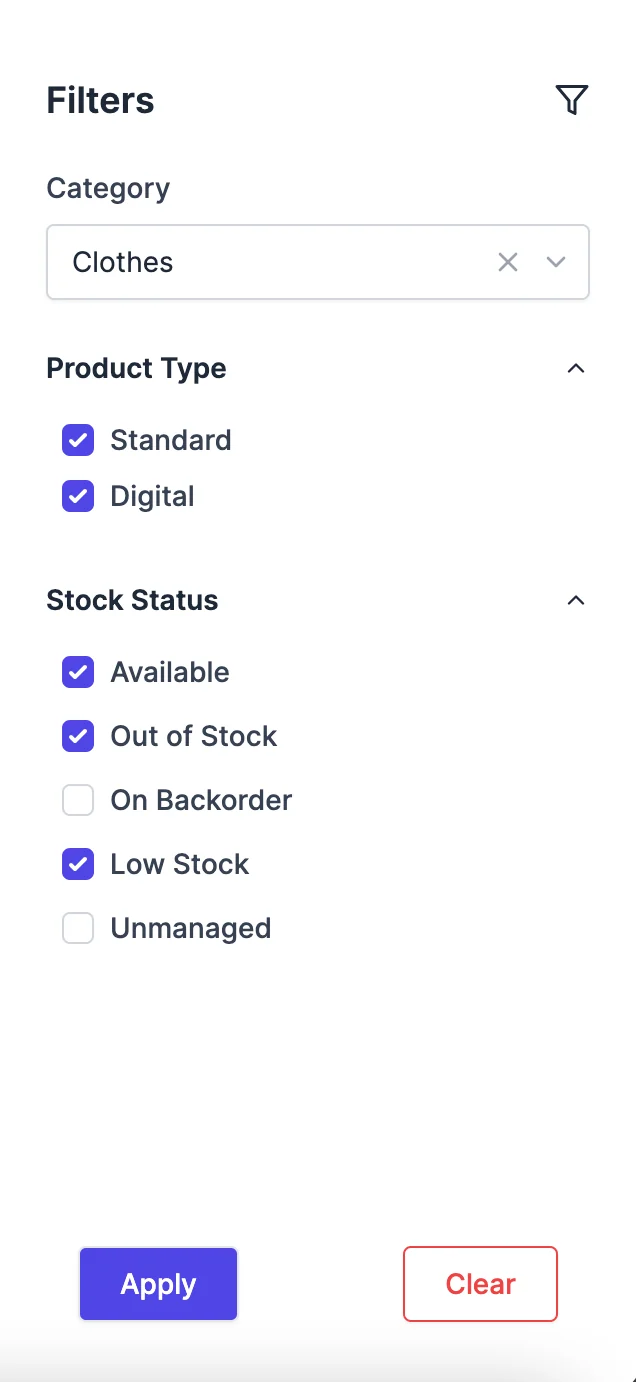
You can apply multiple filters to find the product you want-
You will find the filtered products in the product list-
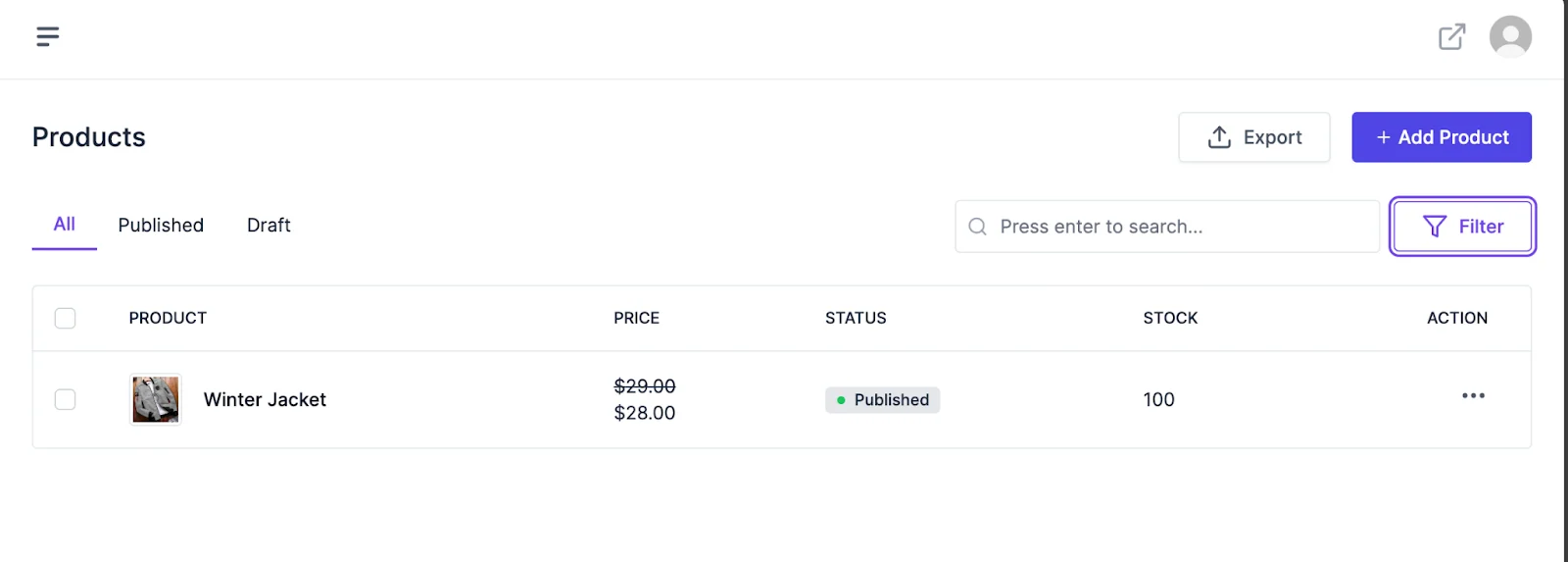
This is how you can filter products.
How to Delete a Product?
Section titled “How to Delete a Product?”In order to delete a product, just click on the Delete button from the dropdown just like below image-
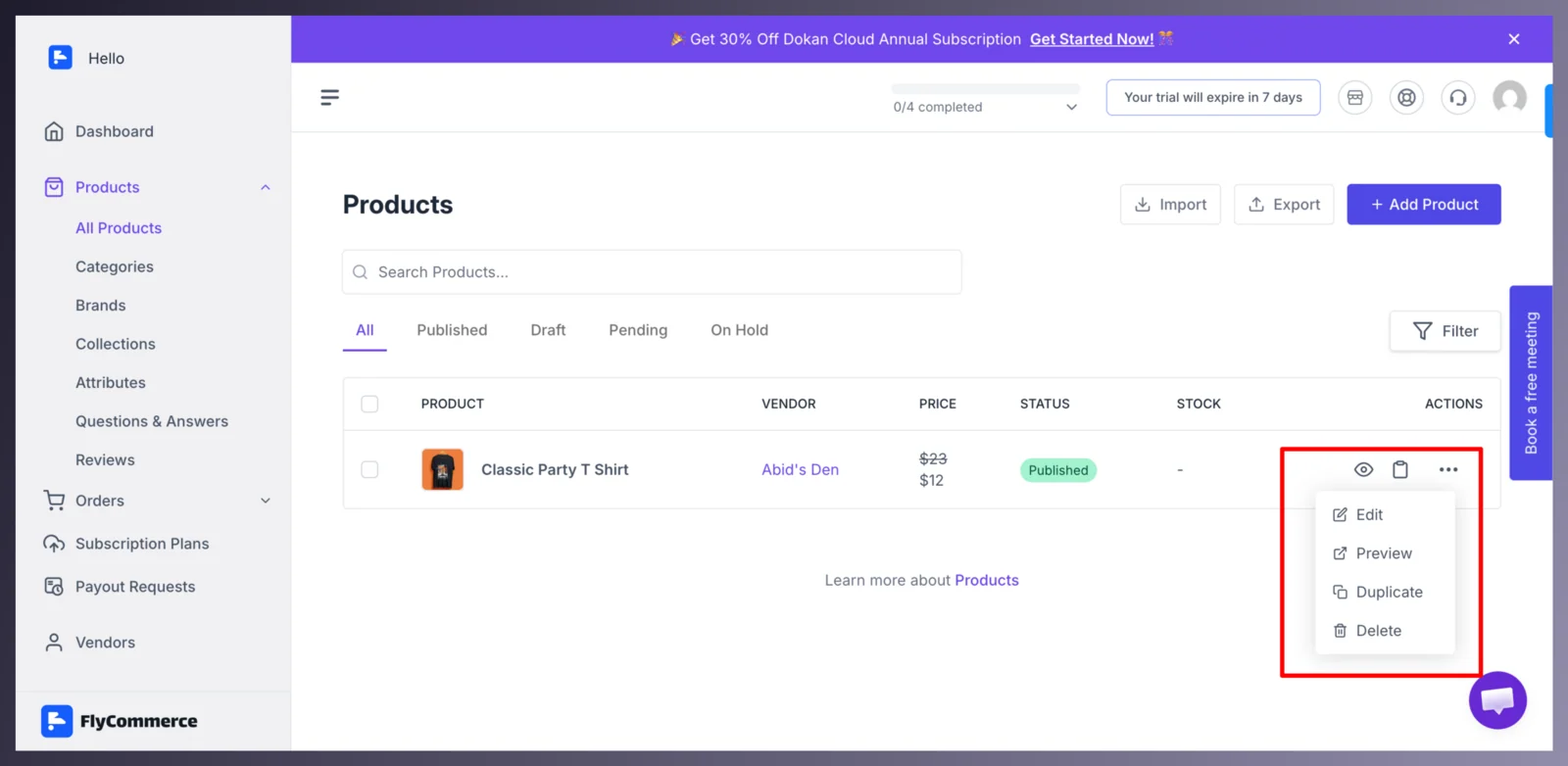
This is how you can delete a product from your store.