Process refund and return requests as an admin
FlyCommerce routes customer return and refund requests to a centralized queue for administrators and vendors. Refund requests require review and approval before payment is processed. The request may be routed based on product type and fulfillment status.
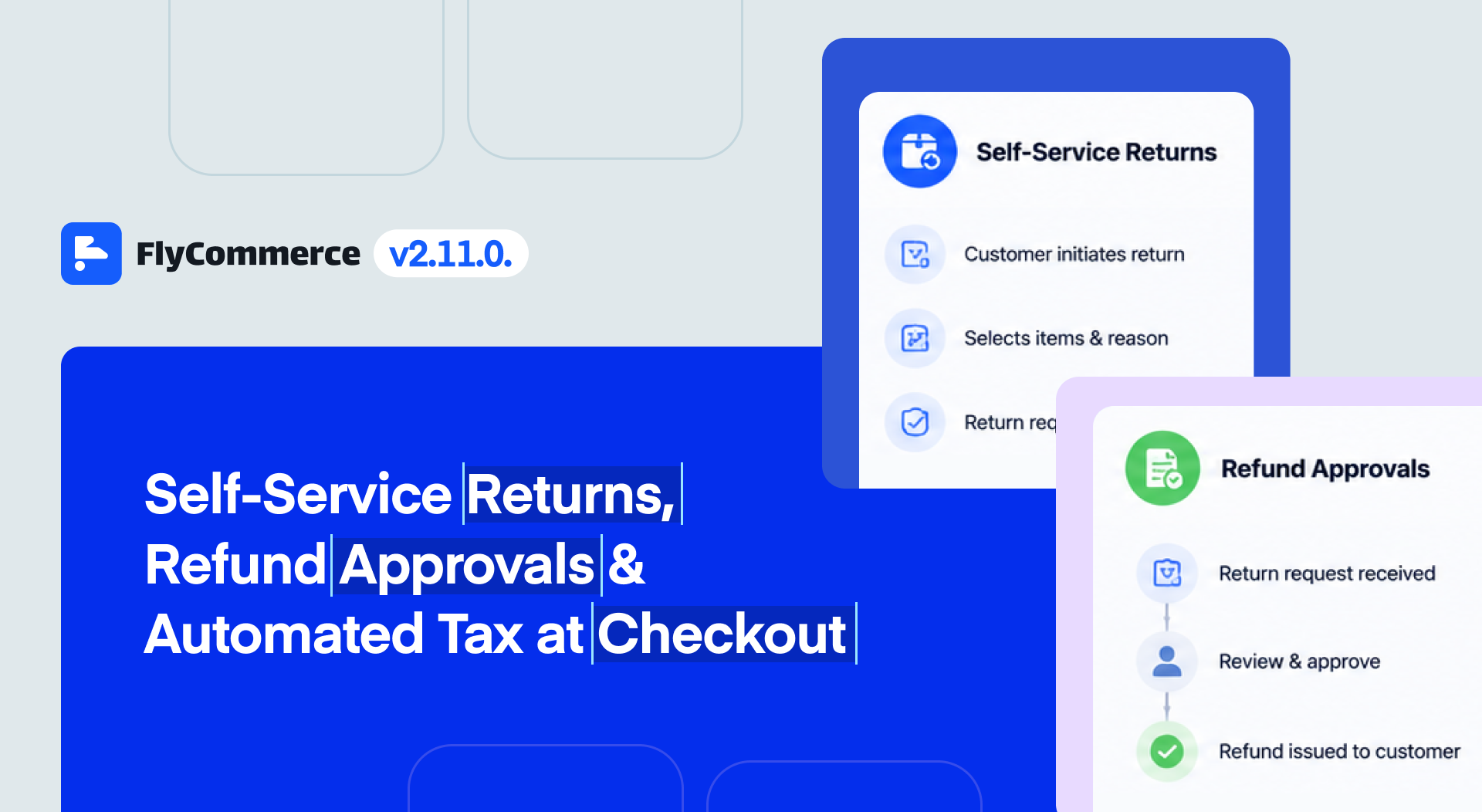
A customer submits a return request; an administrator reviews it before the refund is issued.
Review a request
Section titled “Review a request”- Sign in to the FlyCommerce dashboard with an administrator account.
- Open the return request queue or refund resolution area in the dashboard. The exact menu label may vary by account and release.
- Filter the queue by status if needed, then open a request to review its order, selected items, customer reason, and activity history.
- Check the order and fulfillment details, applicable return policy, and any return shipping or payment gateway fee settings before deciding.
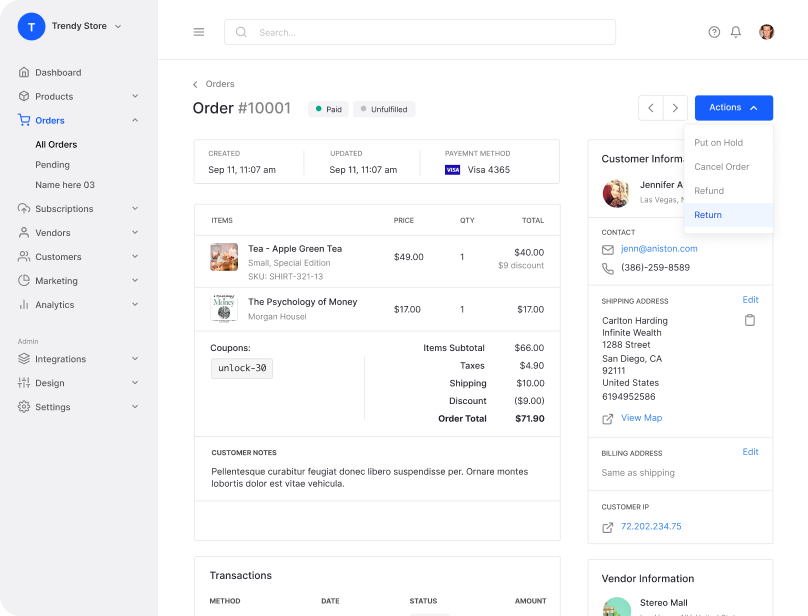
Customers start a return from their order details. Admins review the resulting request in the dashboard queue.
Approve, cancel, or resolve
Section titled “Approve, cancel, or resolve”Use the actions shown in the request workspace to approve, cancel, or resolve the request. Add an activity note when the workspace offers one so the decision and any follow-up are clear.
Approval authorizes the refund workflow; it does not mean the payment has already settled. Check the request and order status after the action, and confirm the refund record once processing completes. FlyCommerce prevents duplicate refund requests and applies limits to partial refunds, but review the amount and items before approval.
If the request needs a return shipment, follow the return instructions and shipping options displayed for that request. Return shipping costs and payment gateway fees may be assigned according to the marketplace’s configured policies.
Check the result
Section titled “Check the result”Open the request or order again and review its latest status, activity notes, and refund history. If processing fails or the status does not update, use the dashboard’s support channel with the order and request details.
Customer return and refund options are described in Self-Service Returns, Refund Approvals & Automated Tax at Checkout. For vendor order tasks, see Vendor Order Management.