Every size and color needs its own price, SKU, and stock count. Changing them one product at a time takes hours.
Moving an existing catalog by hand adds even more work and room for mistakes.
For marketplace founders
Many vendors, one catalog to keep consistent
Vendors add products in their own way, which makes categories and attributes drift apart.
You need vendors to manage their listings while you keep the catalog organized.
How it works
From first product to a full catalog
1
Add a product
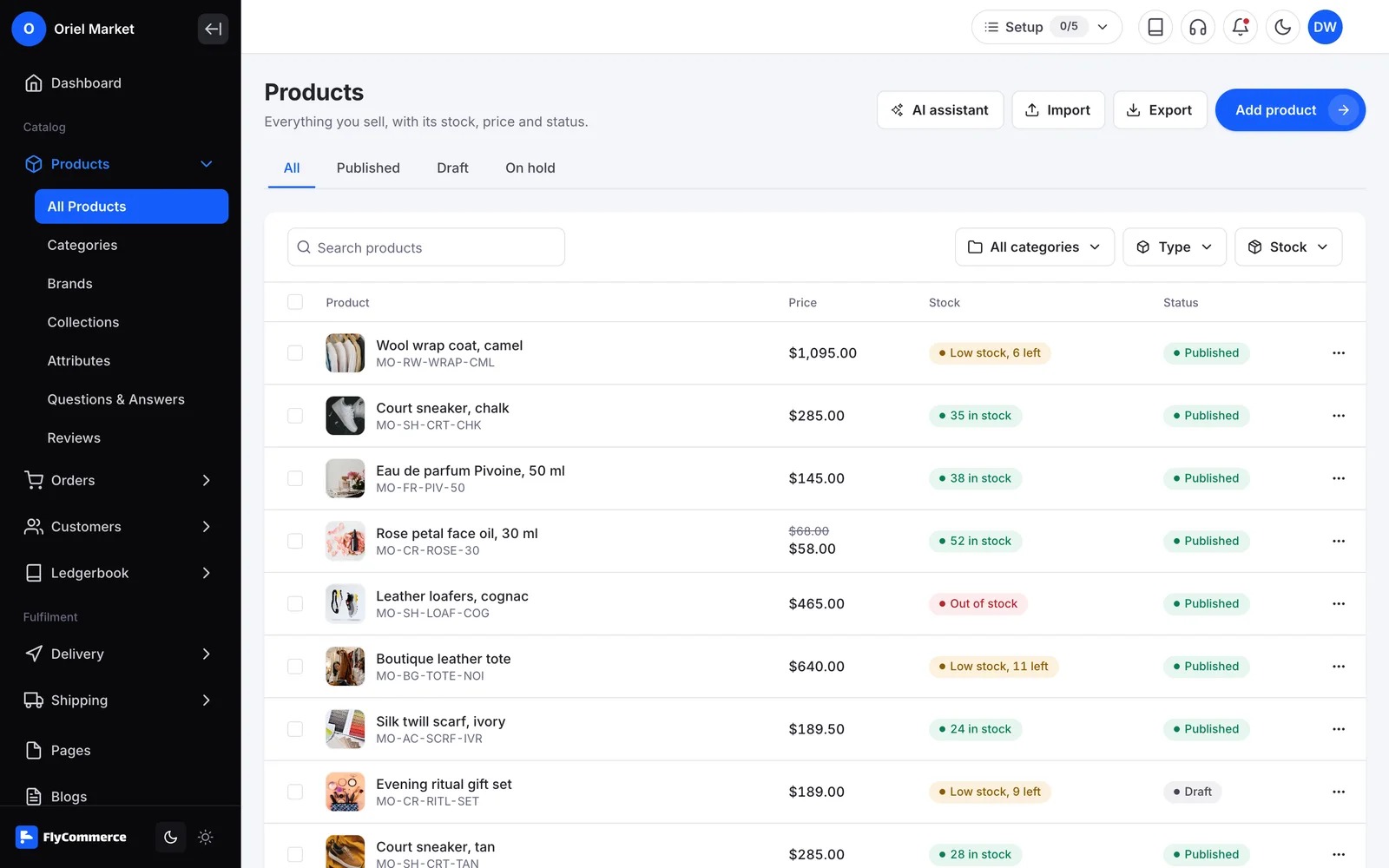
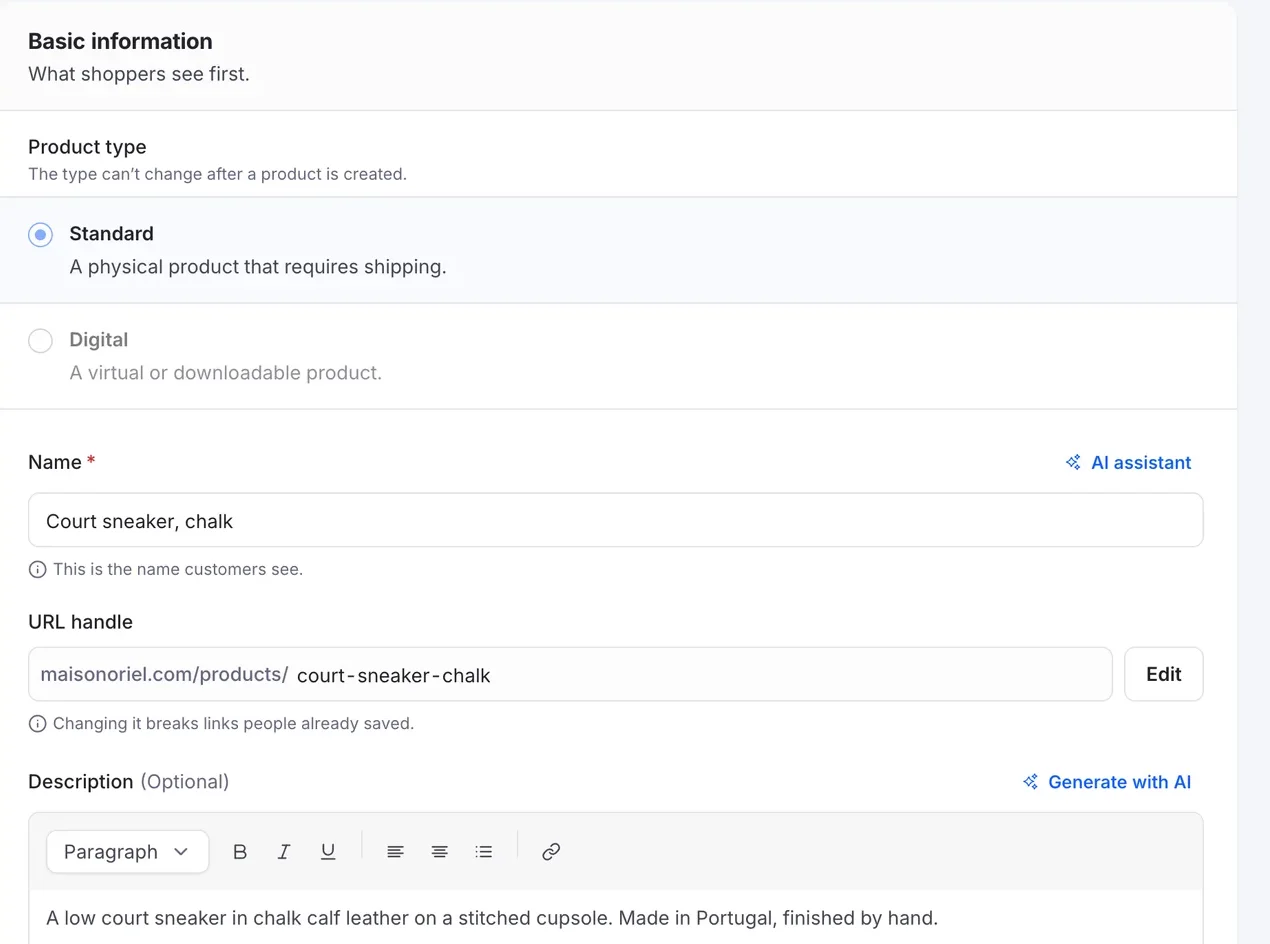
Go to Products, then All Products, and select Add Product. Choose a standard (physical) or digital product type.
2
Fill in the details
Add images, price and sale price, category, brand, tags, tax class, and cost per item. Track SKU, barcode, stock quantity, low stock threshold, and backorders.
3
Add attributes and variations
Create attributes such as size or color, then generate variations. Each variation can have its own price, sale price, SKU, barcode, and stock.
4
Reuse attributes
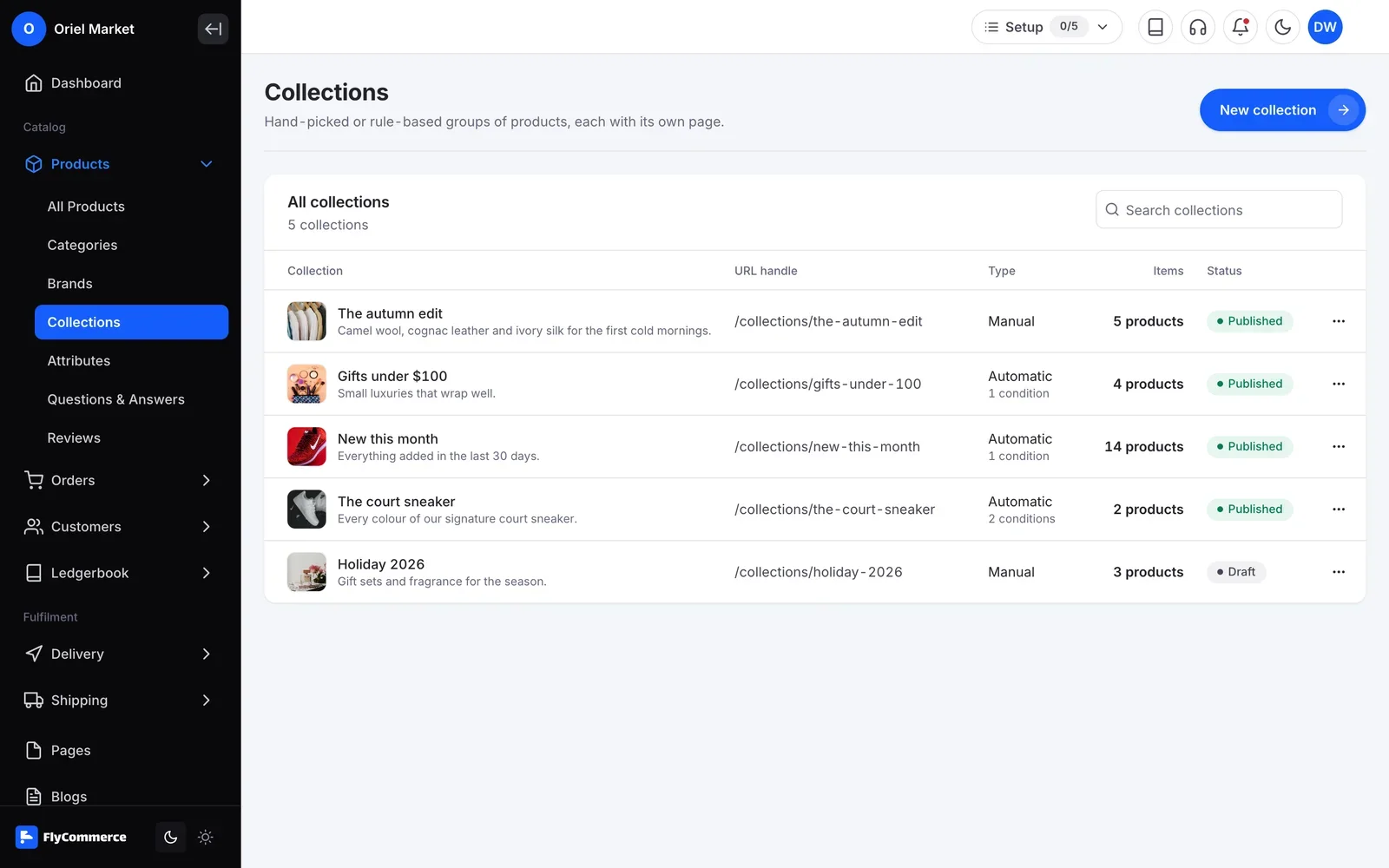
Create global attributes, or add attributes to a category so its products share them and shoppers can filter by them.
5
Update in bulk
Use Bulk Edit to change price, description, SKU, stock, and more across many products. Duplicate a product with one click.
6
Import and export by CSV
Import products from a CSV file and map its columns to FlyCommerce fields. Export the current page, all products, selected products, or a search result.
In your dashboard
Product Management, managed from one place
FlyCommerce lets you add physical and digital products, set up variations with their own price, SKU, and stock, and update many products at once with bulk edit or CSV import.
Fully hosted. No setup. No hosting. No plugins. Just your store.
Availability
Where you can use it
Online Store
For brands and shops that sell their own products from one store.
Included
Fully hosted
Multi-Vendor Marketplace
For founders who run a marketplace where many vendors sell.
Yes. Choose the digital product type and add downloadable files. You can upload files or add them by URL, and private files are available to customers only after a successful purchase.
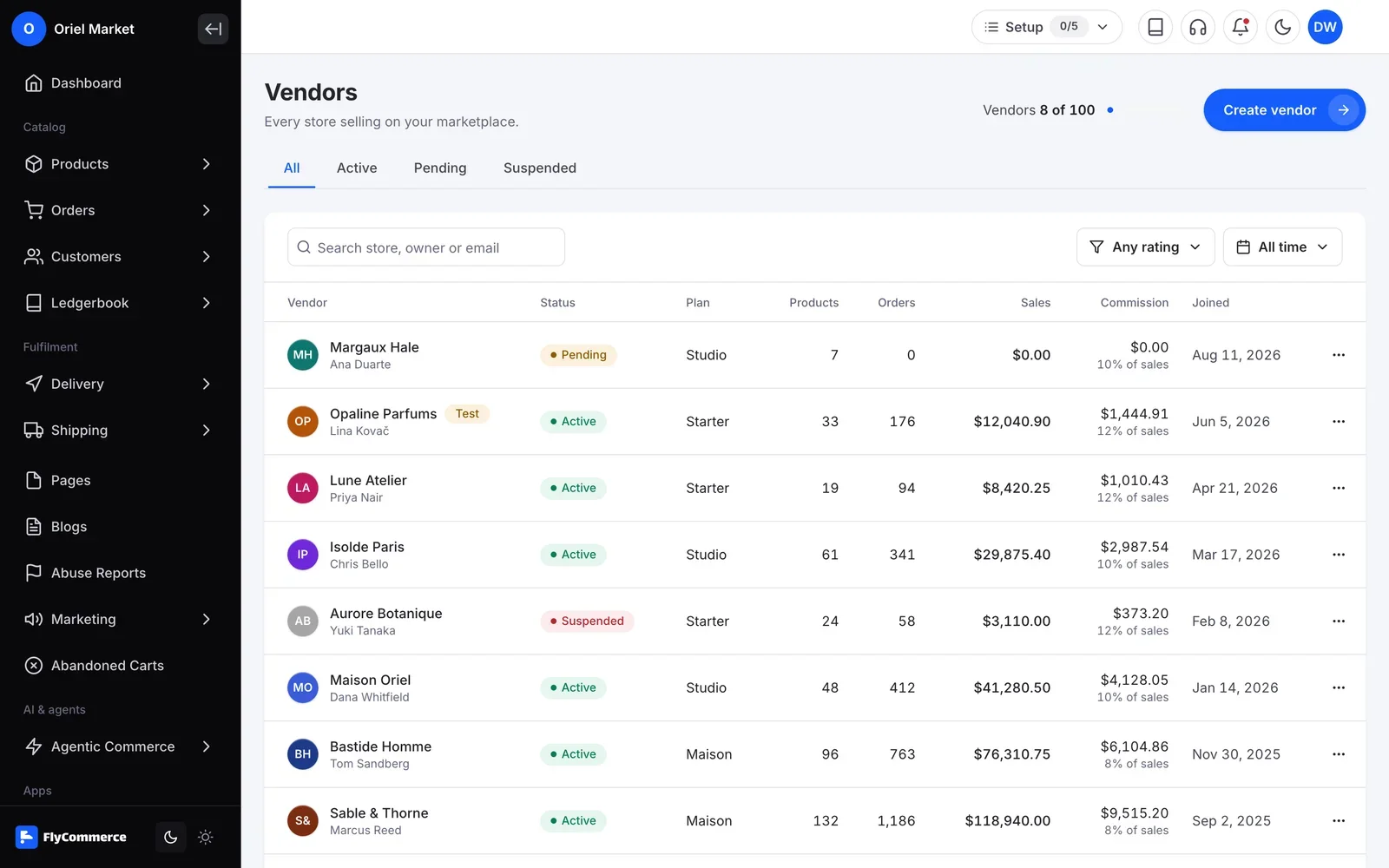
Yes. On a marketplace, vendors create physical and digital products from their vendor dashboard, and they can import and export products by CSV. Admins can also create products and assign them to a vendor.
Import a CSV file from Products, then All Products. You map your columns to FlyCommerce fields, and imported products arrive as drafts for you to publish.
Yes. Turn on Hide from storefront, or keep the product in draft status.
Keep your catalog in order from the first product
Products, variations, bulk edits, and CSV imports are part of FlyCommerce. Fully hosted, with nothing to install.