A code shared once can end up on every order, on products you never meant to discount, long after the sale ended.
You need a discount you can aim at the right products and customers, cap, and switch off on a set date.
For marketplace founders
You decide which vendors run their own deals
On a marketplace, promotions come from you and from your vendors.
You need to choose which vendor plans include coupon creation, so discounts stay within the terms you set.
How it works
From new coupon to checked order
1
Add a coupon
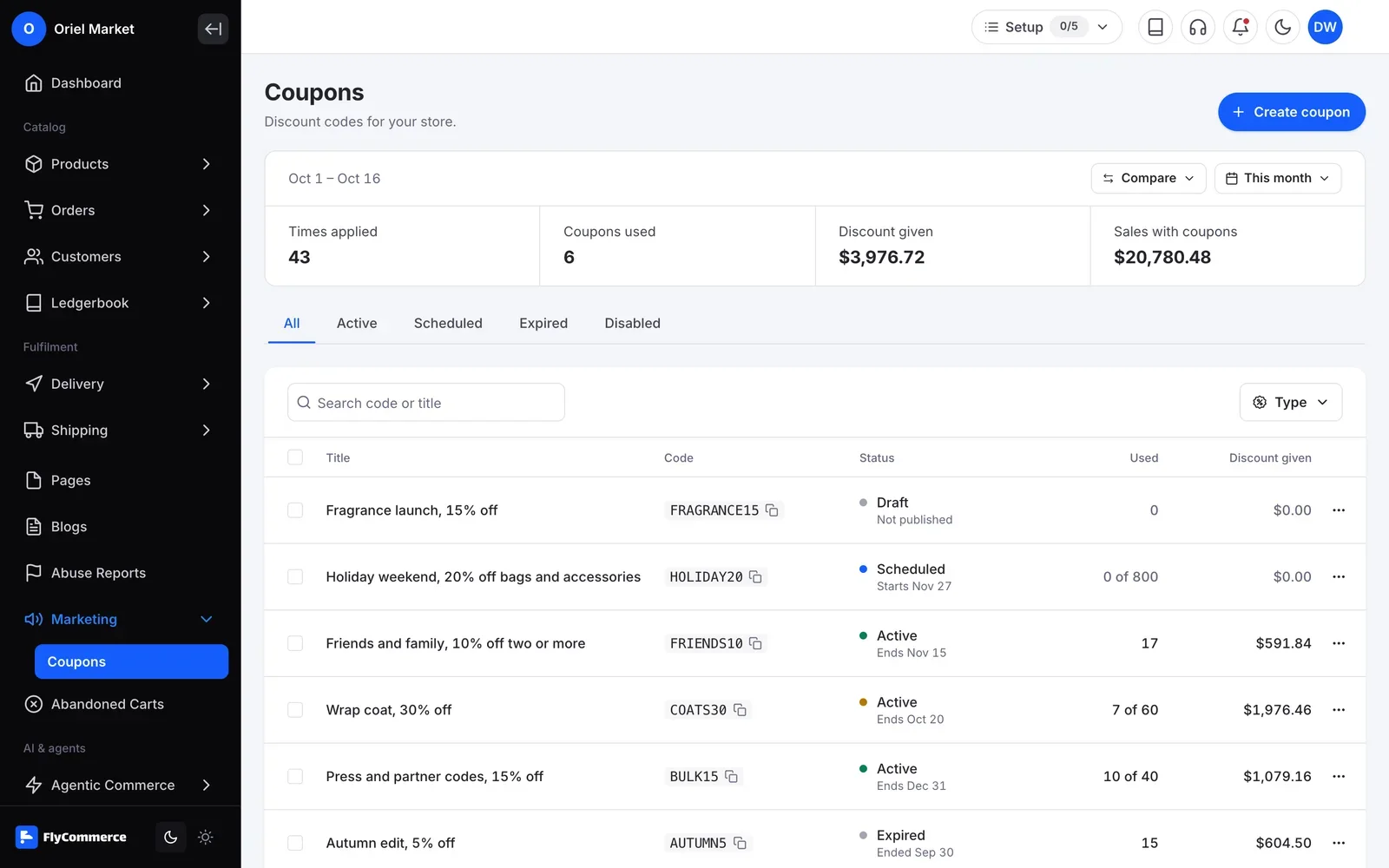
Go to Marketing, then Coupons, and select Add New Coupon. Write your own code, generate a random one, or generate multiple codes at once.
2
Set the discount
Enter the amount as a fixed value or a percentage. You can also give free shipping on the order.
3
Add rules
Limit the coupon to certain products or customers, cap uses per customer and per coupon, and set a minimum purchase amount or item quantity.
4
Set the dates
Choose a start date and an expiry date. You can also stop the coupon from being combined with other coupons.
5
Checked again at order time
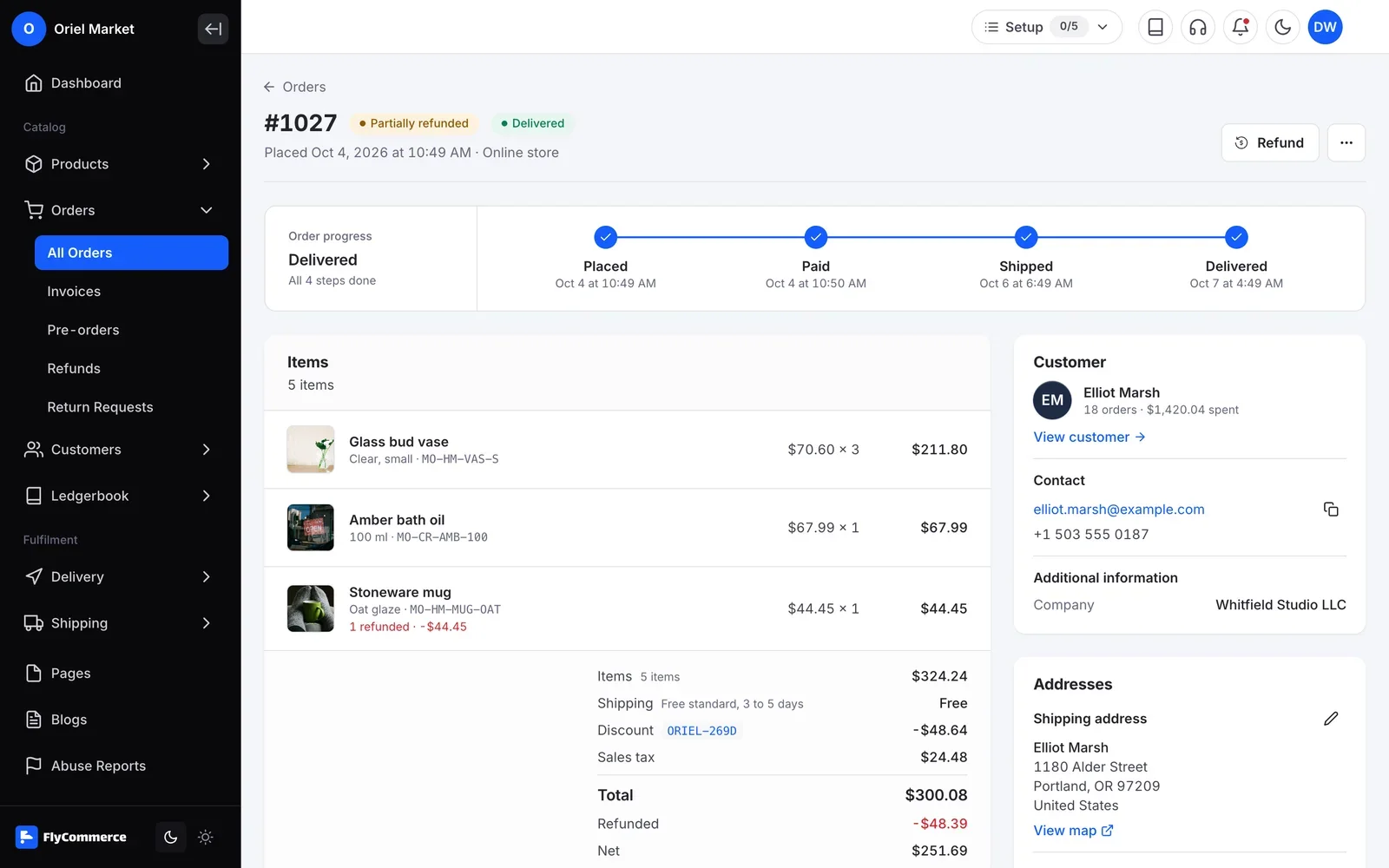
FlyCommerce checks the coupon again when the order is placed. Expired coupons are rejected, and two orders cannot both use the last available use.
In your dashboard
Coupons and Promotions, managed from one place
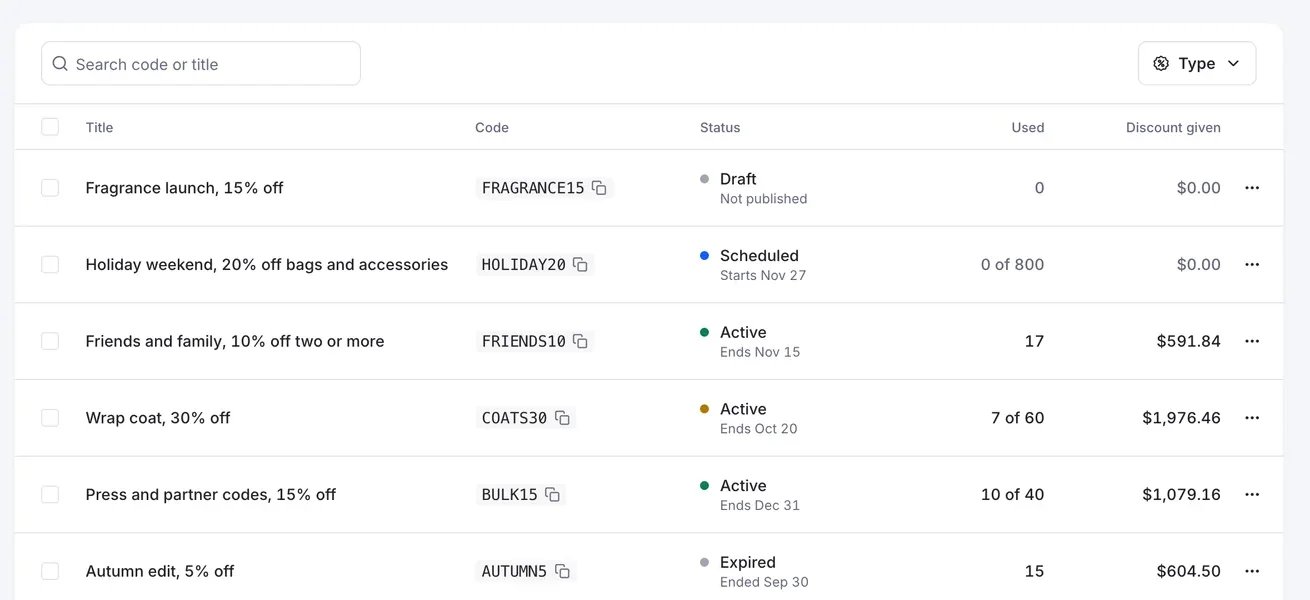
FlyCommerce lets you create discount coupons as a fixed amount or a percentage, then control who can use them, on which products, how often, and for how long.
Fully hosted. No setup. No hosting. No plugins. Just your store.
Availability
Where you can use it
Online Store
For brands and shops that sell their own products from one store.
Included
Fully hosted
Multi-Vendor Marketplace
For founders who run a marketplace where many vendors sell.