For store owners
Card-only checkout misses local buyers
In many markets, shoppers pay with a local wallet, a bank transfer, or cash on delivery rather than a card.
If checkout does not offer the method they use, they leave without ordering.
Payment Gateways
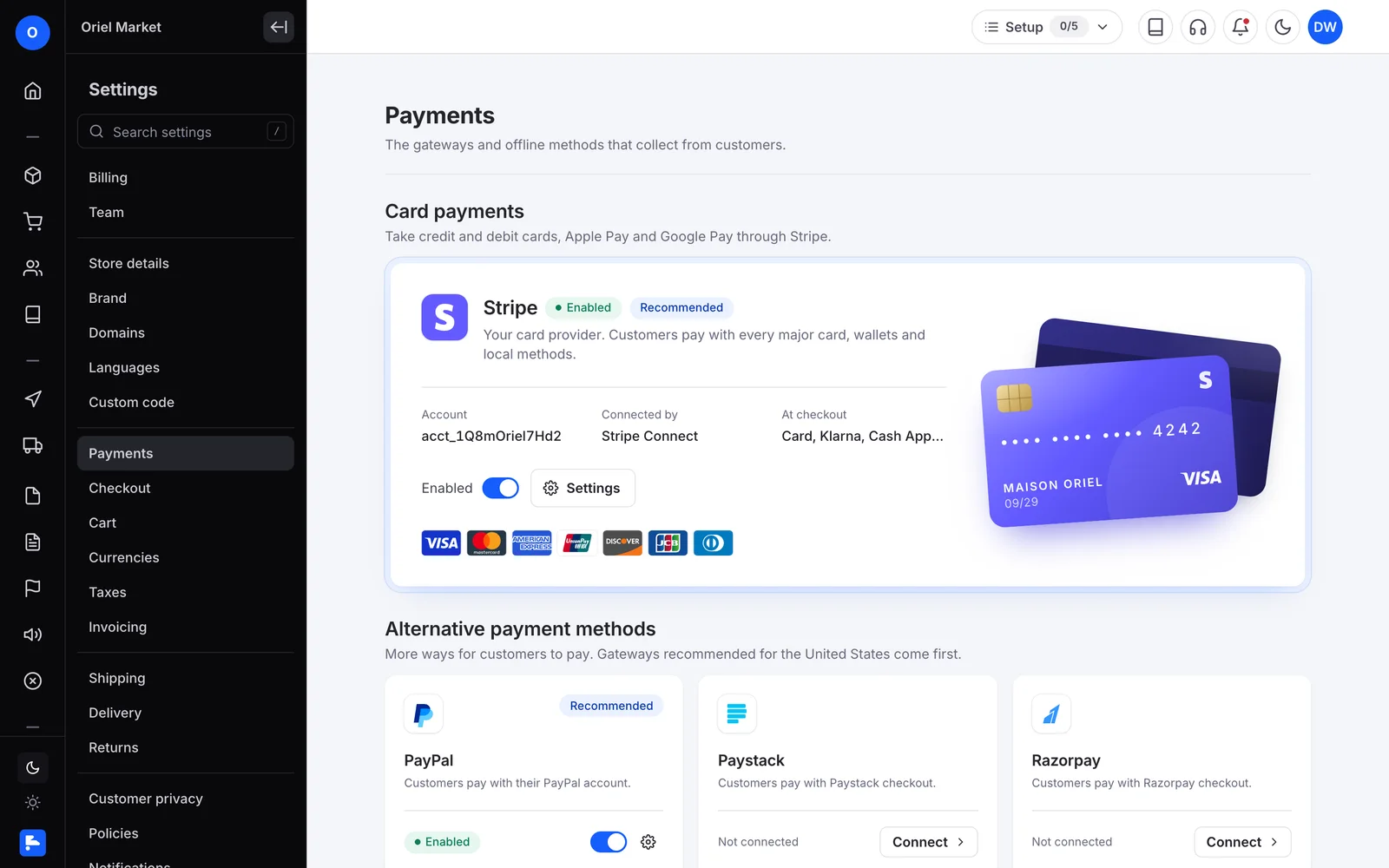
Connect global and regional gateways, plus bank payment and cash on delivery.
For store owners
In many markets, shoppers pay with a local wallet, a bank transfer, or cash on delivery rather than a card.
If checkout does not offer the method they use, they leave without ordering.
For marketplace founders
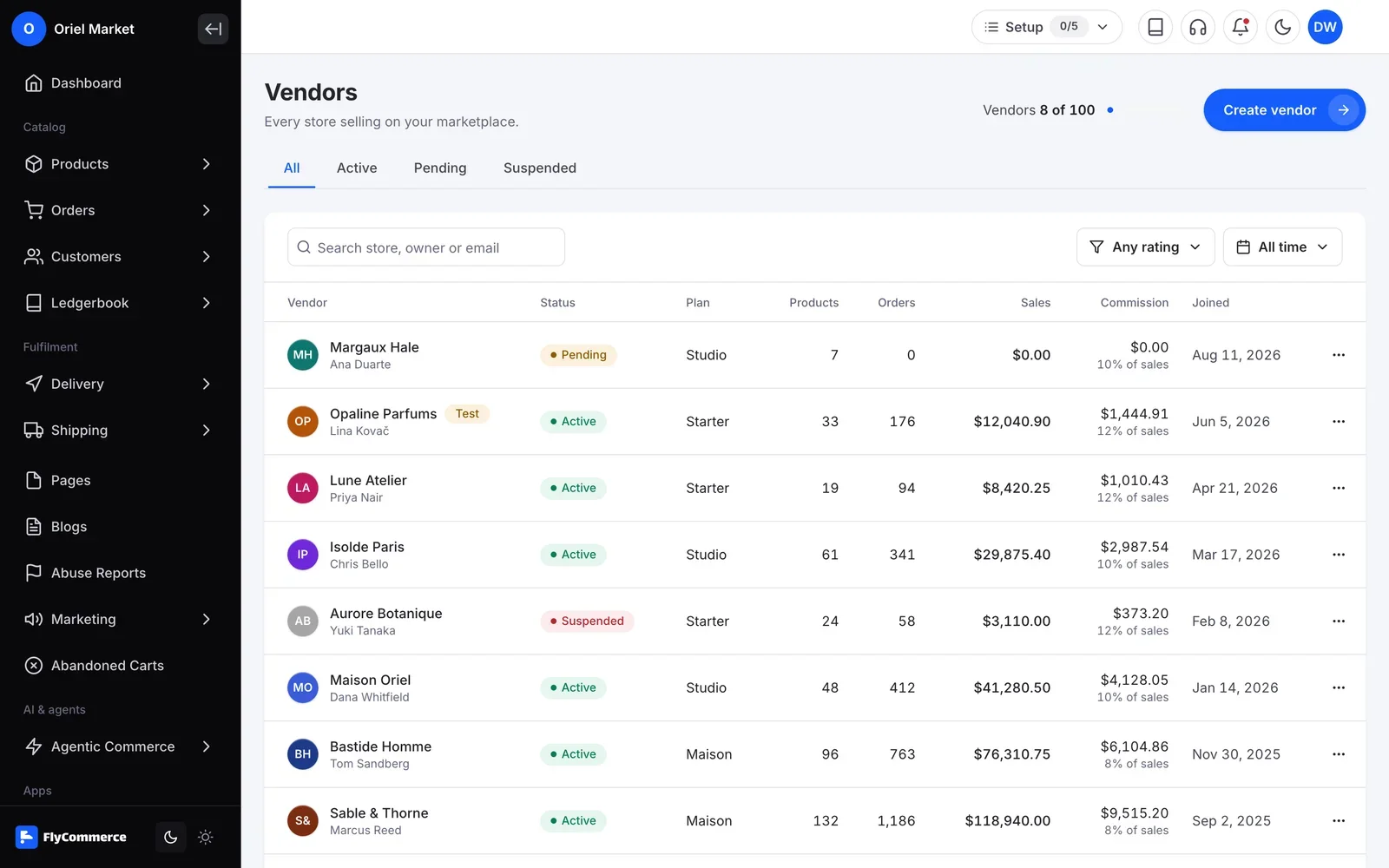
A marketplace collects money for many vendors, then pays them out. Gateway fees have to land on the right side of each sale.
You need gateways your shoppers trust and clear rules for who absorbs processing fees.
How it works
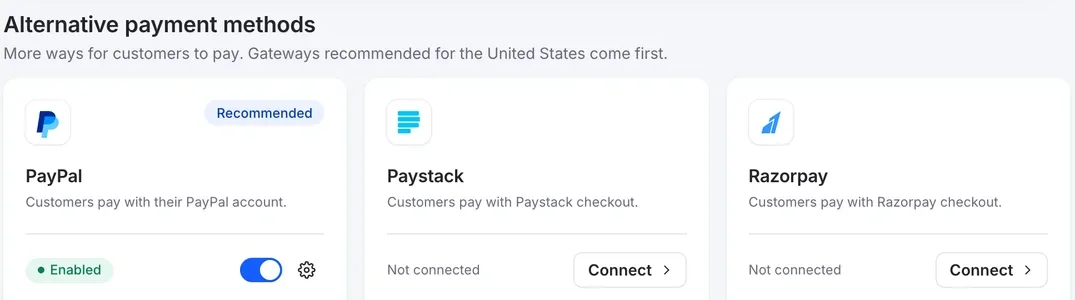
Go to Settings, then Payment. You see the gateways supported for your business location.
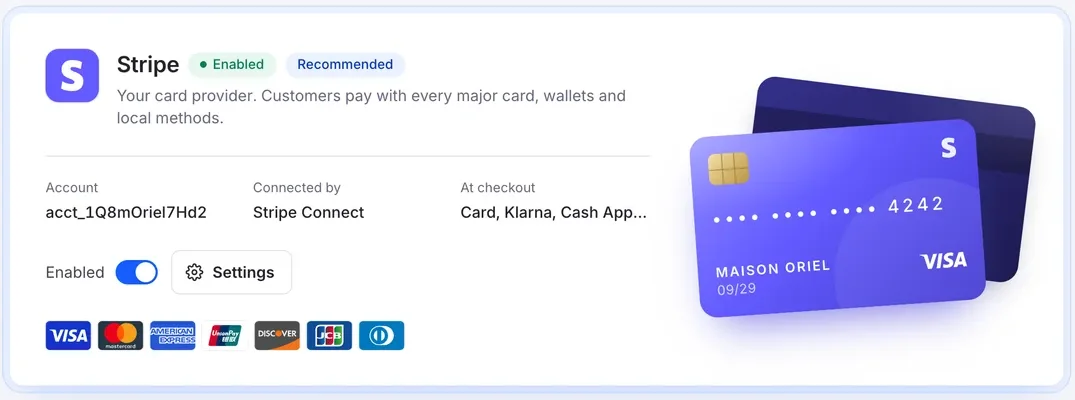
Click Connect next to a gateway and add the keys from your account with that provider, such as a publishable key, secret key, and client ID for Stripe.
Turn on the payment methods you want to offer, give them a title, and save. Bank payment also lets you choose which countries can use it.
Use the Test Gateway or a gateway's sandbox keys with a customer marked as a test user, then switch to live keys.
Enabled gateways appear on the checkout page, and customers pay with the method they choose.
In your dashboard
FlyCommerce lets you connect global gateways such as Stripe and PayPal, regional gateways such as Razorpay, bKash and Paystack, and manual options such as bank payment and cash on delivery. Settings show the gateways supported for your business location.
Fully hosted. No setup. No hosting. No plugins. Just your store.
Availability
For brands and shops that sell their own products from one store.
For founders who run a marketplace where many vendors sell.
A marketplace collects money for many vendors, then pays them out. Gateway fees have to land on the right side of each sale.
Can’t find the answer here?Contact support
Examples include Stripe, PayPal, Mangopay, Razorpay, bKash, Shurjopay, Paystack, Payfast and PayTR, plus bank payment and cash on delivery. Settings, then Payment, shows the gateways supported for your business location.
Yes. You can enable cash on delivery in payment settings, and bank payment lets shoppers pay by bank deposit using the bank details and countries you set.
Yes. Enable the Test Gateway, or use a gateway's sandbox keys, and mark the customer as a test user. Switch to live keys when you are ready.
You choose. The payment gateway fee policy controls whether processing fees are absorbed by the vendor or the platform. When the vendor bears the fee, it is deducted from vendor earnings.
Yes. You connect each gateway with the keys from your own account with that provider.
Let shoppers pay the way they already pay
Payment gateways are part of FlyCommerce. Fully hosted, with no payment plugins to install.