Set Up Your Marketplace
Use this guide to create a multi-vendor marketplace where independent sellers list products in one storefront. For a store that sells only your own products, follow Set Up Your Store.
Before you start
Section titled “Before you start”Prepare your marketplace name, business address, customer and vendor policies, and the regions where you plan to sell. Decide how vendors will apply, which applications need approval, and how you will pay vendors. Review current plans and vendor limits on the pricing page.
1. Create a Marketplace account
Section titled “1. Create a Marketplace account”- Open the pricing page and choose a Marketplace plan or trial.
- Sign in, or create an account when prompted.
- Select Marketplace when asked what you want to build.
- Enter the marketplace name and store address, then complete or skip optional setup questions.
- Review the storefront preview when setup finishes.
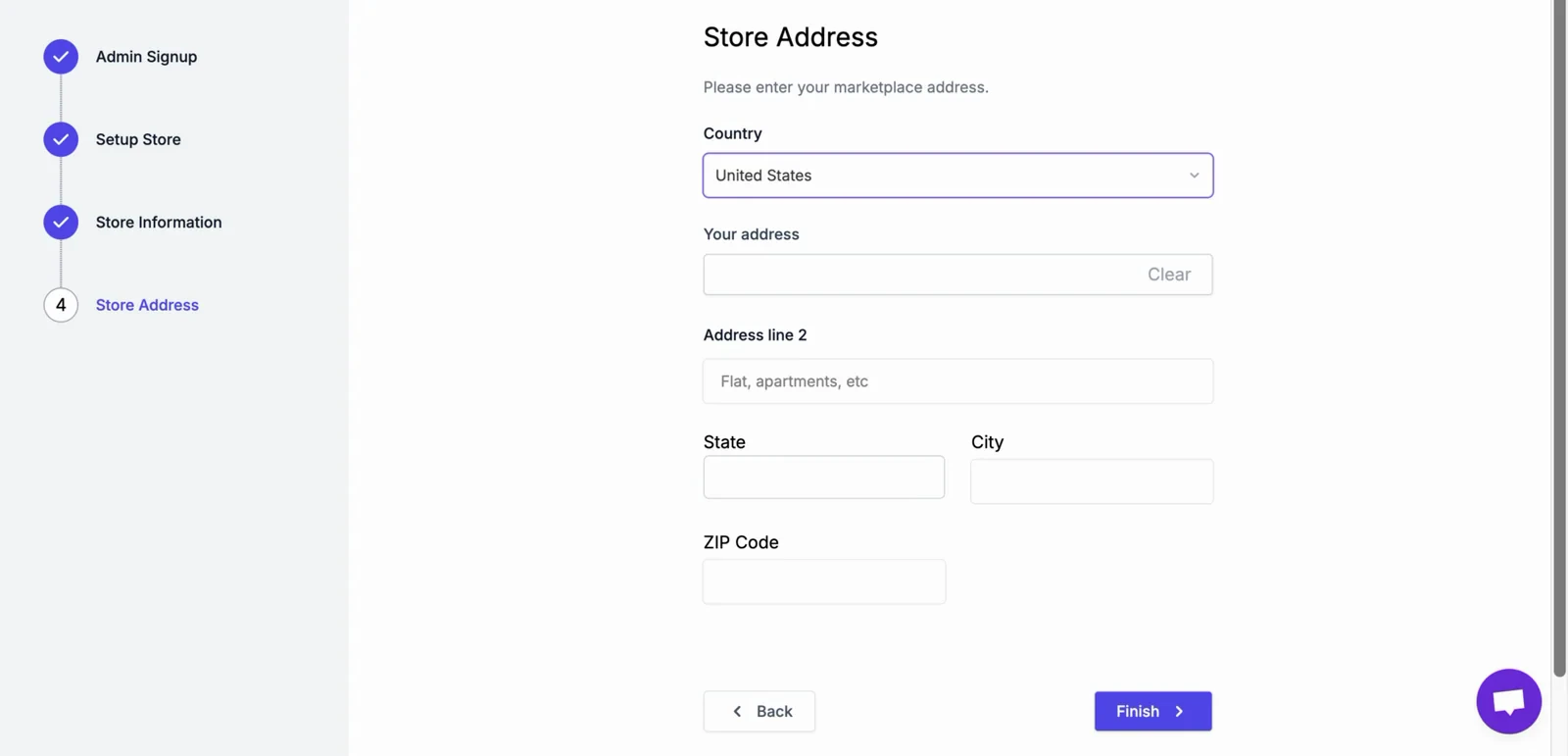
Note: Setup prompts and available options can vary by plan and account. Use the values shown in your dashboard if they differ from this guide.
2. Configure marketplace rules
Section titled “2. Configure marketplace rules”Before inviting vendors:
- Add your business details and publish vendor and customer policies.
- Choose the payment methods customers can use and configure the payout method for vendors.
- Set shipping and tax rules for the regions where you sell.
- Decide whether vendor applications require approval and review the information collected during registration.
- Set your vendor commission rules and subscription plans, if you use them. These are separate from your FlyCommerce plan, which is order-based; see Owner Revenue Share.
3. Add products and onboard vendors
Section titled “3. Add products and onboard vendors”- Add at least one product yourself, or invite vendors to create their own listings.
- Submit a test vendor application and review it from the marketplace dashboard.
- Approve the application and confirm that the vendor can open their dashboard.
- Check that product listings include accurate prices, images, inventory, and shipping details.
4. Test the customer and vendor workflows
Section titled “4. Test the customer and vendor workflows”- Place a test order and confirm the order appears in the marketplace dashboard.
- Check the customer confirmation and vendor order notification.
- Review how the order is assigned to vendors and how shipping is calculated.
- Test a refund or cancellation using a non-production order, if available.
- Confirm the payout schedule and expected vendor amount before inviting real sellers.
Important: A marketplace owner’s FlyCommerce plan (a subscription with a monthly order allowance) is different from the commission paid by vendors. Check both your plan billing and vendor commission settings before launch.