Tax rates differ by country, state, city and even ZIP code. Shipping and digital products may be taxed differently too.
If checkout charges the wrong amount, you either overcharge shoppers or cover the gap yourself.
For marketplace founders
Many vendors, many tax situations
On a marketplace, one cart can hold products from several vendors, each with its own tax class.
As your sales grow into new US states, you also need to track where you have economic nexus.
How it works
Two ways to calculate tax at checkout
1
Use the Avalara AvaTax certified integration
Connect your Avalara AvaTax credentials. FlyCommerce fully verifies them when you connect.
2
Or set your own tax rates
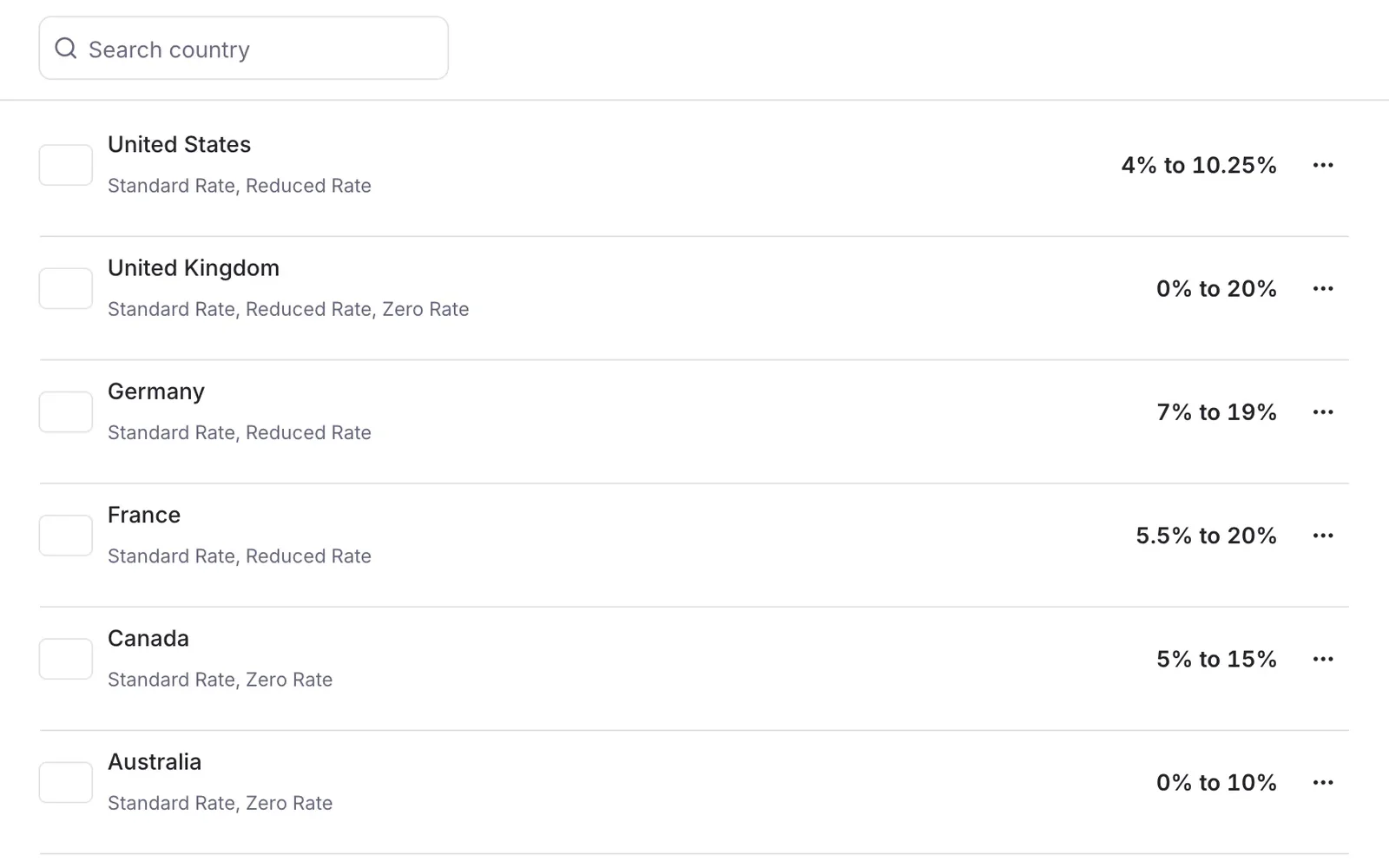
In Settings, then Tax, add a country, then states, cities and ZIP code ranges with their rates. You can choose to tax shipping and digital products, apply compound tax, or import tax settings from a CSV file.
3
Assign tax classes to products
Tax classes such as Standard Rate, Reduced Rate and Zero Rate are assigned per product. Admins and vendors can each assign them to their products.
4
Checkout calculates the tax
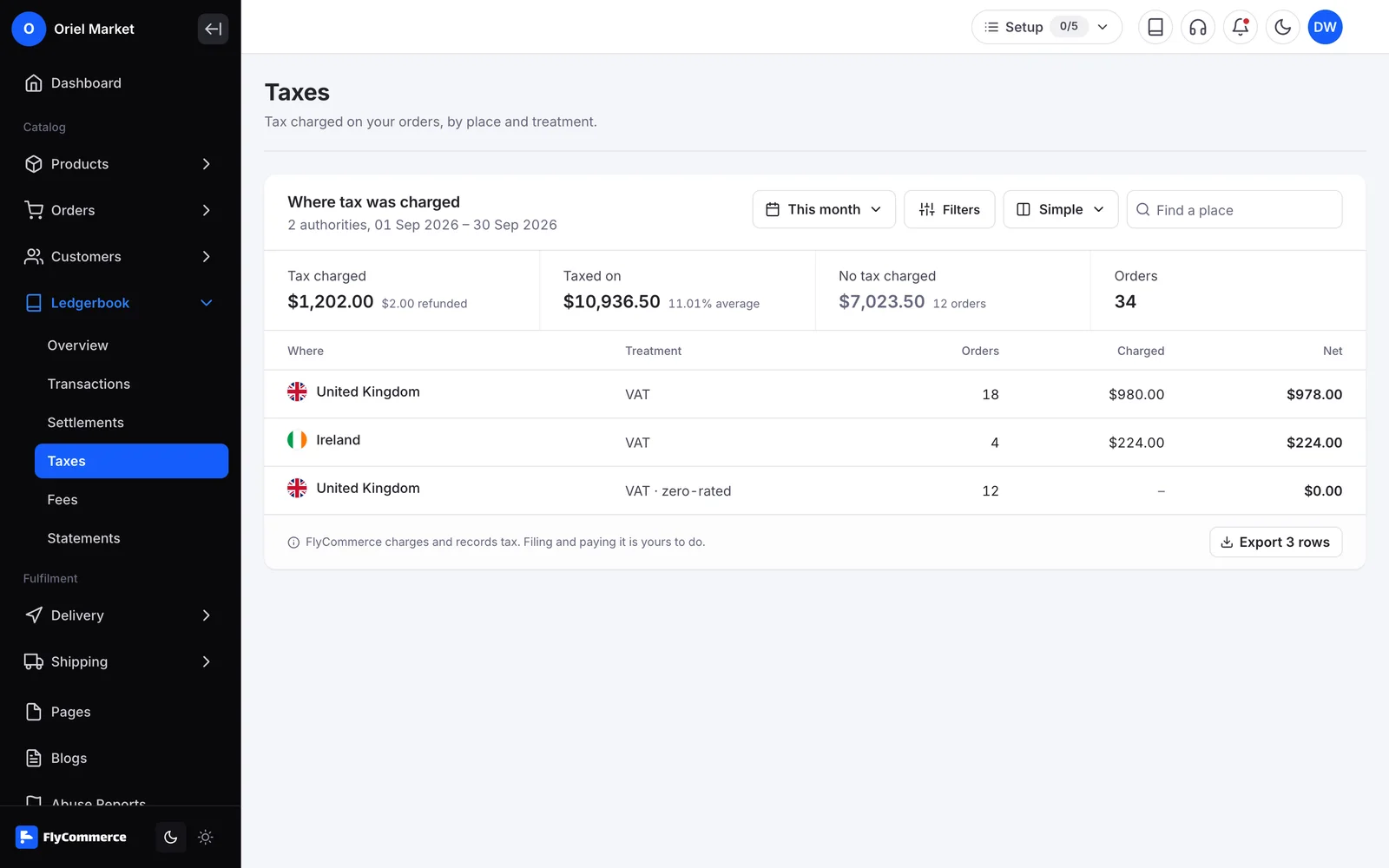
Once the shopper enters a shipping address, checkout calculates tax automatically and shows per-line and grouped tax breakdowns.
5
Refunds are reported
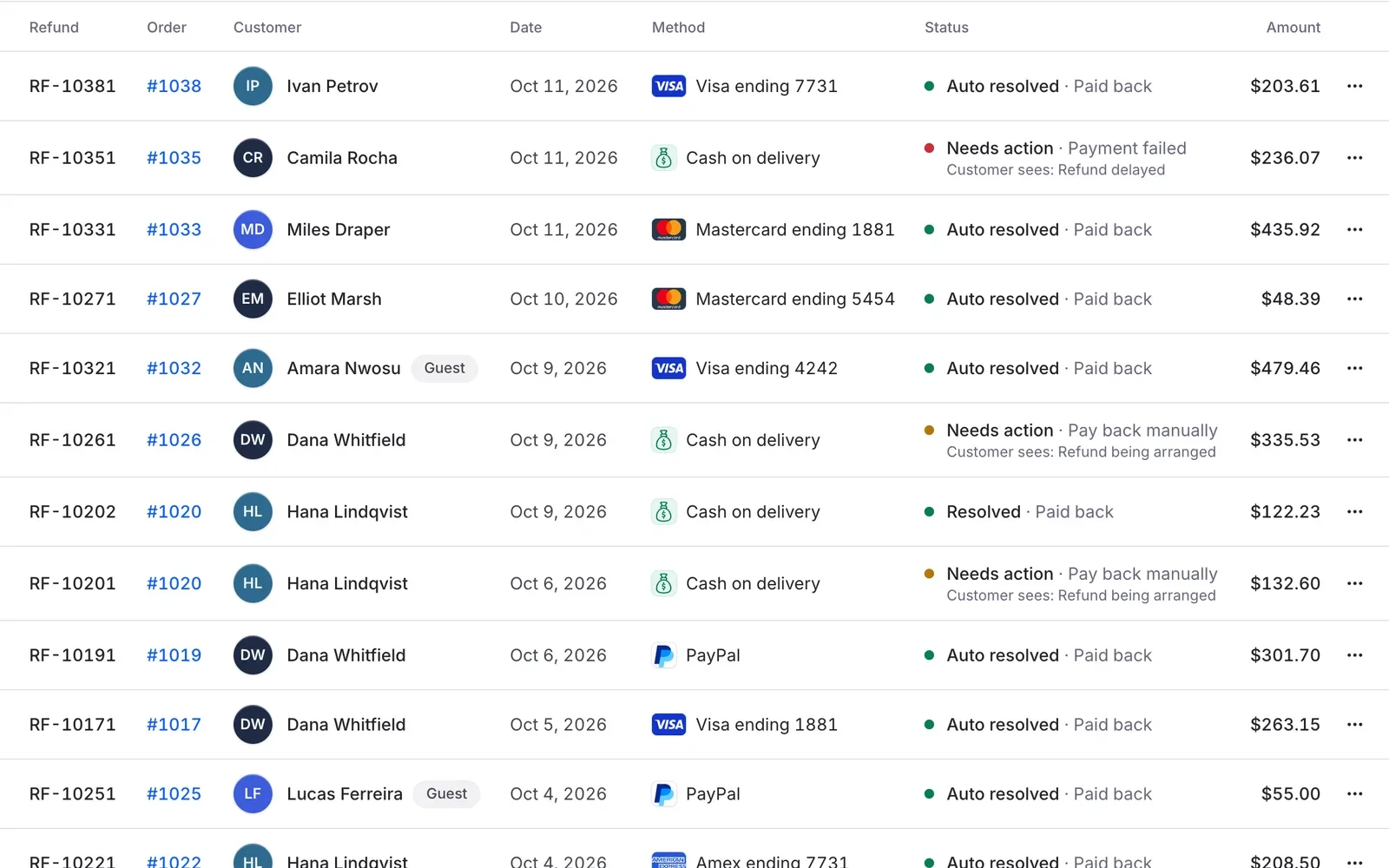
With Avalara AvaTax on, settled refunds are reported to Avalara automatically, and you are warned if a report fails. Refunds only return tax that was actually collected.
6
Register economic nexus
Marketplace admins can register economic nexus and sync it through the Avalara AvaTax certified integration as nexus requirements change.
In your dashboard
Tax with Avalara AvaTax, managed from one place
FlyCommerce calculates sales tax at checkout and shows shoppers a per-line and grouped tax breakdown before they pay. You can use the Avalara AvaTax certified integration, or set your own tax rates by country, state, city and ZIP code.
Fully hosted. No setup. No hosting. No plugins. Just your store.
Availability
Where you can use it
Online Store
For brands and shops that sell their own products from one store.
Included
Fully hosted
Multi-Vendor Marketplace
For founders who run a marketplace where many vendors sell.
No. You can set your own tax rates by country, state, city and ZIP code in the built-in tax settings. The Avalara AvaTax certified integration is an option if you have an Avalara AvaTax account.
Yes. When you set a tax rate, you can choose to collect it on shipping and on digital products.
If an external tax provider fails, checkout falls back to your store's own tax configuration instead of applying zero tax.
No. FlyCommerce calculates tax at checkout and reports refunds to Avalara when the integration is on. Filing returns and paying tax stay with you.
Yes. Vendors can assign a tax class to each of their products, using the tax rules the admin has set.
Charge the right sales tax on every order
Tax calculation is part of FlyCommerce. Fully hosted, with nothing to install.