For store owners
Good products, poor search listings
Without a clear title, description and sitemap, search engines show your store with whatever text they find.
Shared links can also show up without an image or with the wrong one.
SEO
Titles, meta descriptions, social previews and sitemaps, set from one page.
For store owners
Without a clear title, description and sitemap, search engines show your store with whatever text they find.
Shared links can also show up without an image or with the wrong one.
For marketplace founders
A marketplace adds vendor stores and products every week. Each one needs to reach search engines without you editing files by hand.
You also need control over which vendors get SEO tools.
How it works
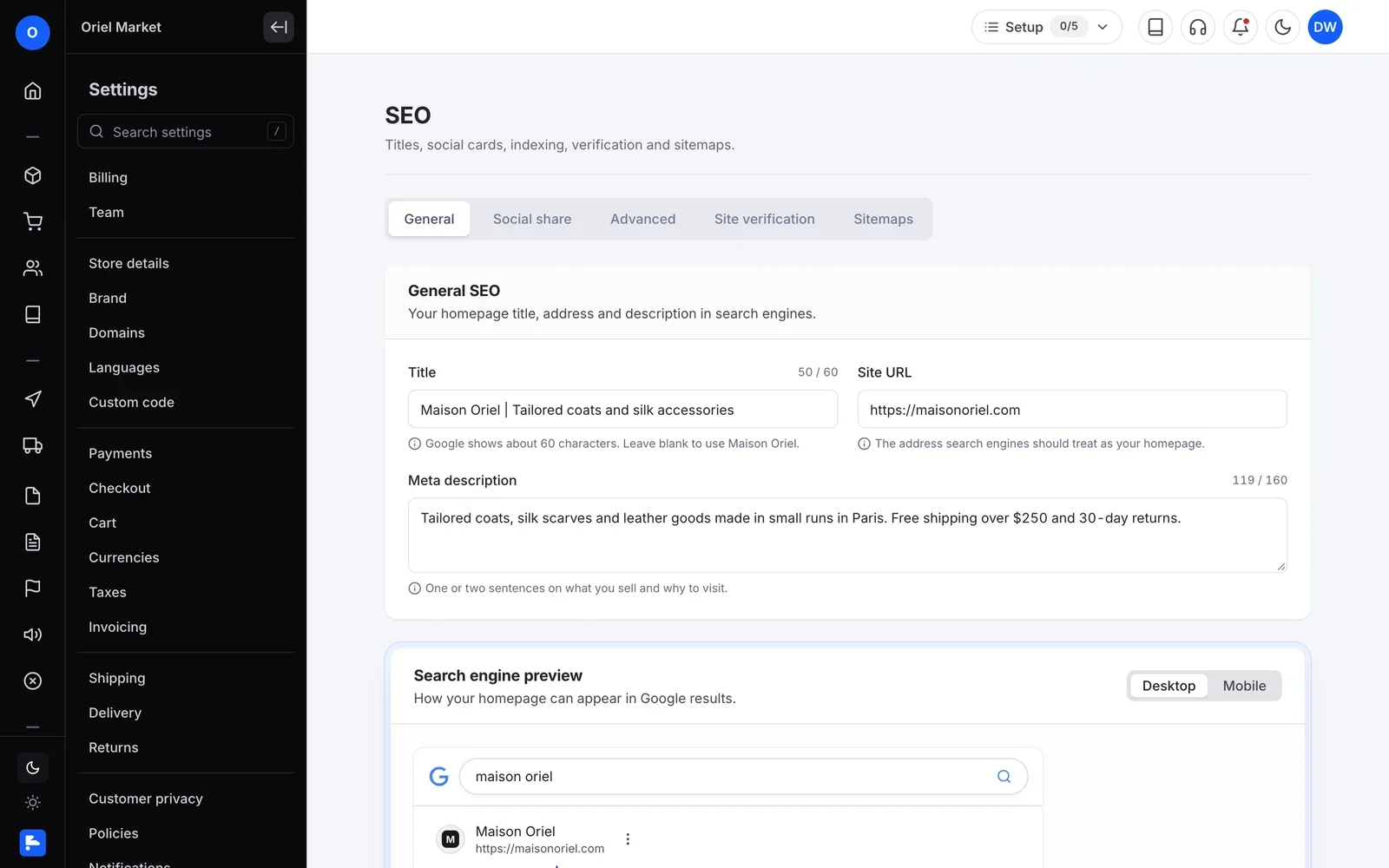
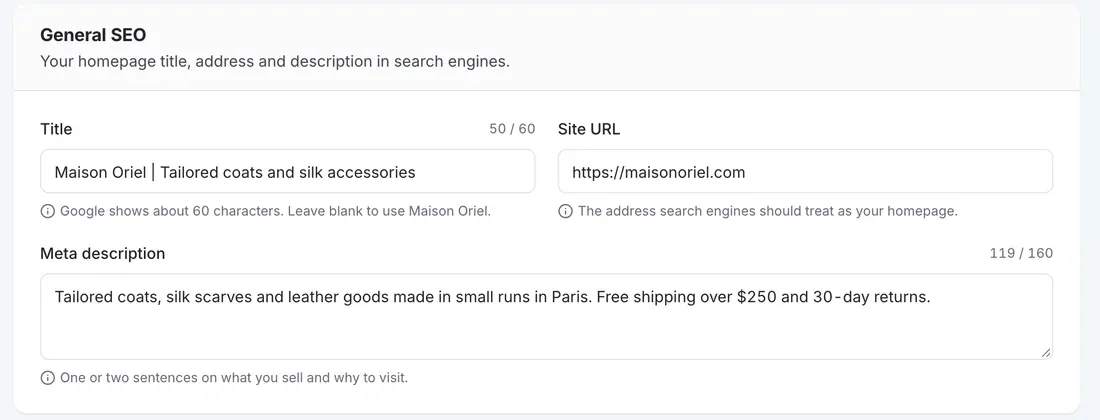
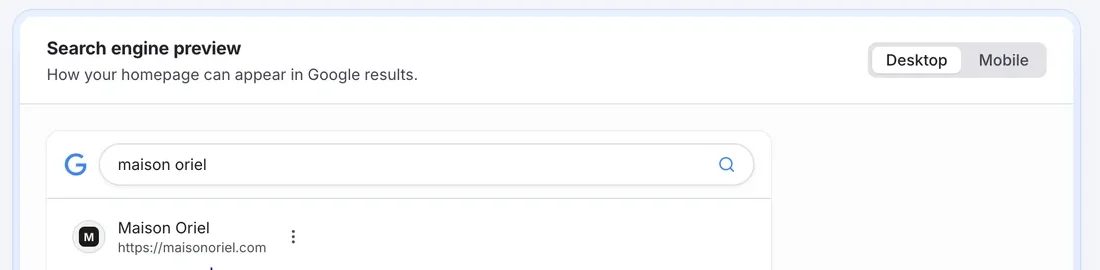
Under Settings, then SEO, add your store title, site URL and a meta description of up to 160 characters. A search engine preview shows how it will look.
Set the Open Graph title, description and image for social shares, plus a separate Twitter card with a large or small image. When no SEO image is set, share previews can use the product photo, store logo or banner.
Choose whether your site is a Website or an Organization, and set robots meta tags such as noindex and nofollow, plus limits for image previews, snippets and video previews.
Paste your verification ID for Google, Bing, Baidu and other search engines.
Sitemaps are generated automatically. They include vendor stores and leave out hidden and noindex pages.
Set custom URL redirects so shoppers and search engines reach the right page when a URL changes.
In your dashboard
FlyCommerce gives you one SEO settings page for your store title, meta description, social share previews, structured data, and search engine verification. Sitemaps are generated automatically.
Fully hosted. No setup. No hosting. No plugins. Just your store.
Availability
For brands and shops that sell their own products from one store.
For founders who run a marketplace where many vendors sell.
A marketplace adds vendor stores and products every week. Each one needs to reach search engines without you editing files by hand.
Keep exploring
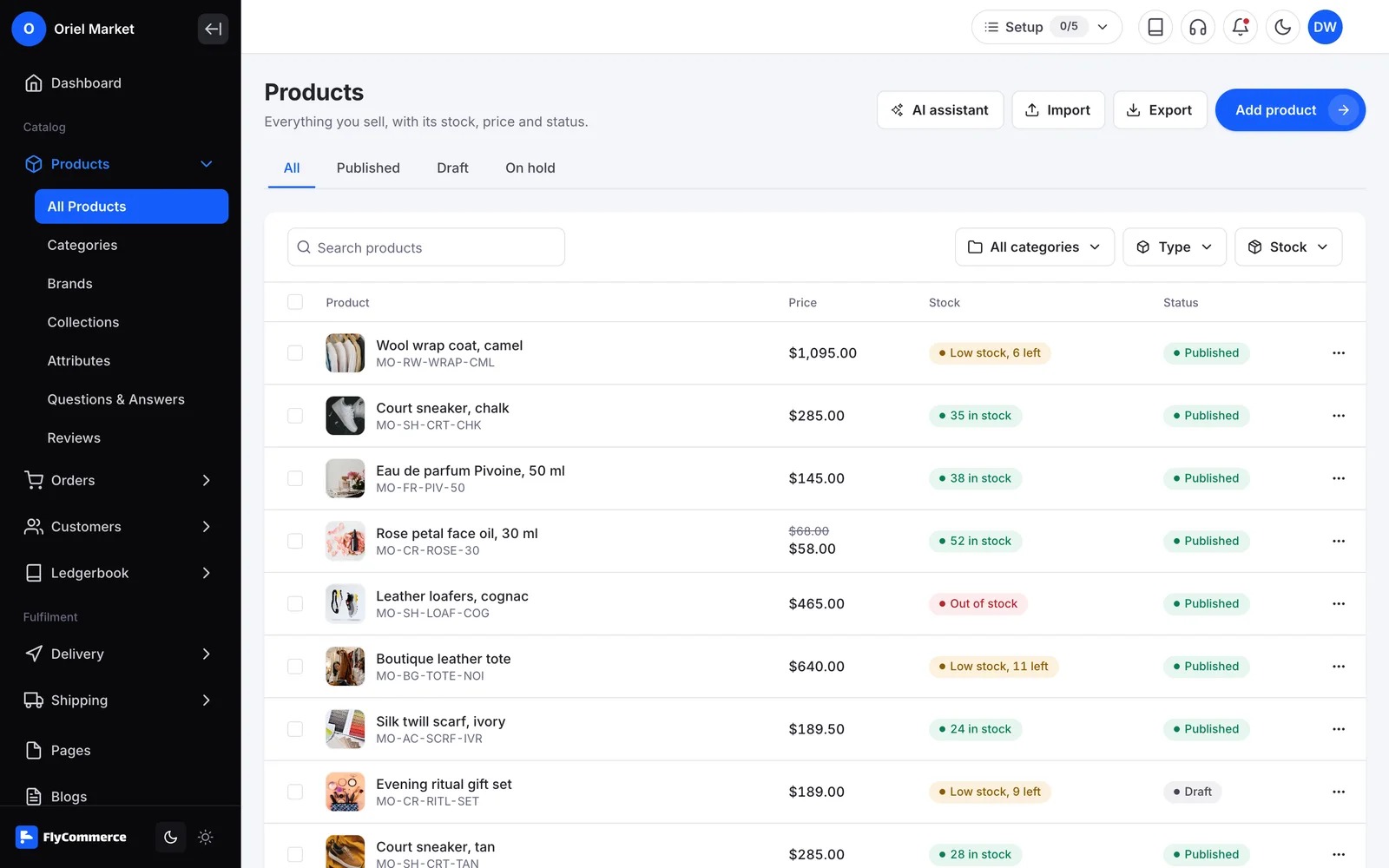 Product ManagementAdd products, images and categories that your SEO settings and sitemaps build on.Explore feature
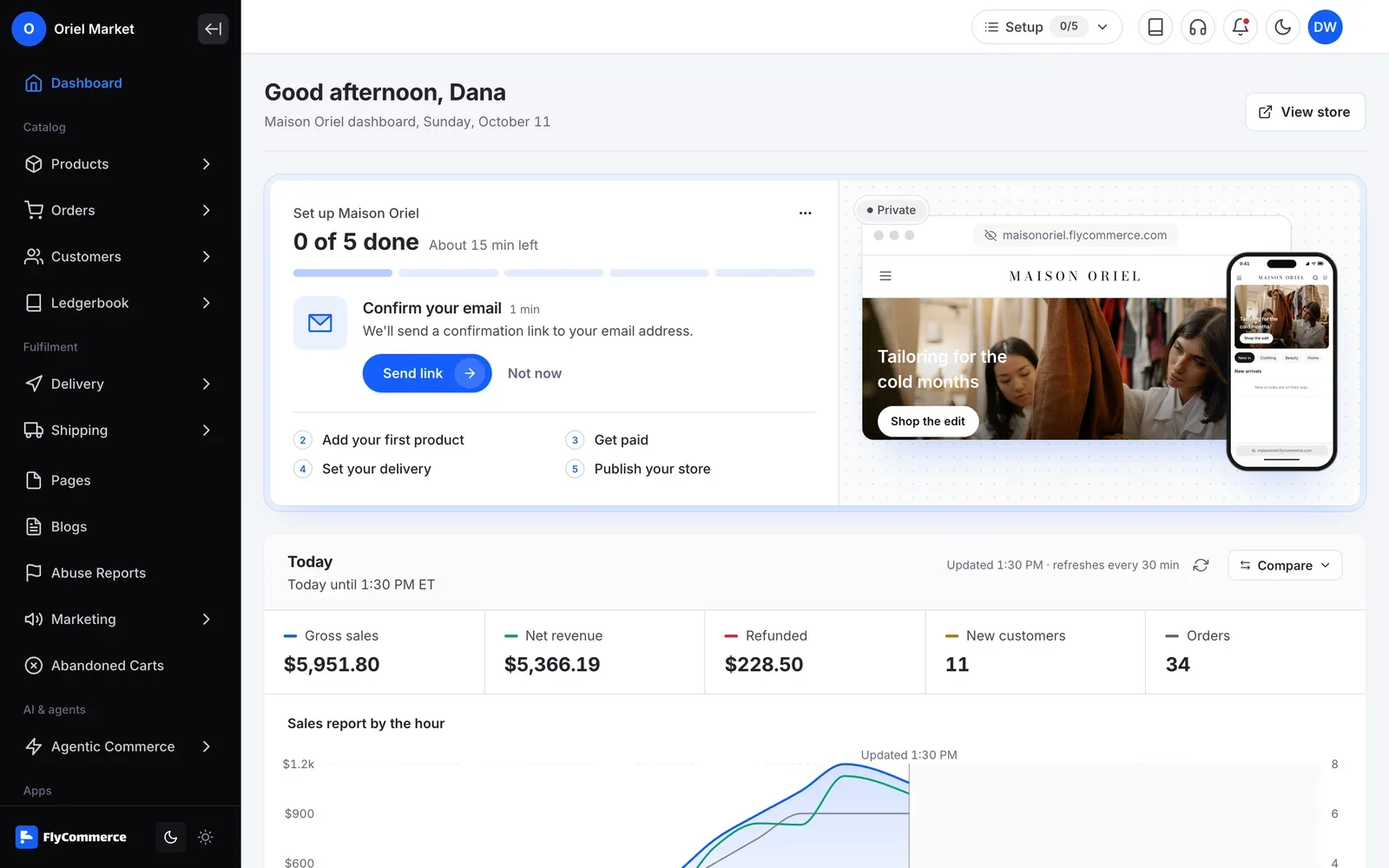 Dashboard and ReportingSee sales and orders, and where your orders come from.Explore feature
More FlyCommerce features
Can’t find the answer here?Contact support
No. SEO settings are part of FlyCommerce. You find them under Settings, then SEO.
Yes. Sitemaps are generated automatically, and you can open them from the Sitemaps tab. They include vendor stores and leave out hidden and noindex pages.
Yes. Copy your Google verification ID and paste it into the Site Verification tab. The same tab has fields for Bing, Baidu and other search engines.
Yes. Per-store robots.txt controls let you choose whether AI assistants and AI training crawlers can access your storefront. FlyCommerce can also generate an llms.txt file for each store.
Yes, when you allow it. Marketplace owners choose whether each vendor subscription plan includes store SEO and product SEO.
Give search engines a clear view of your store
SEO settings, sitemaps and redirects are part of FlyCommerce. Fully hosted, with nothing to install.